Calendar
Planner
Collaborator
Everything you need
Powerful features to help your team create and manage social content efficiently.
Visual Calendar
Plan your content with an intuitive calendar view. Drag and drop to reschedule, filter by platform, and never miss a post.
Team Collaboration
Invite team members, assign roles, and manage permissions. Comment on posts and streamline your approval workflow.
Fast & Simple
Clean interface, powerful features. Create posts, add media, schedule across platforms, and publish with ease.
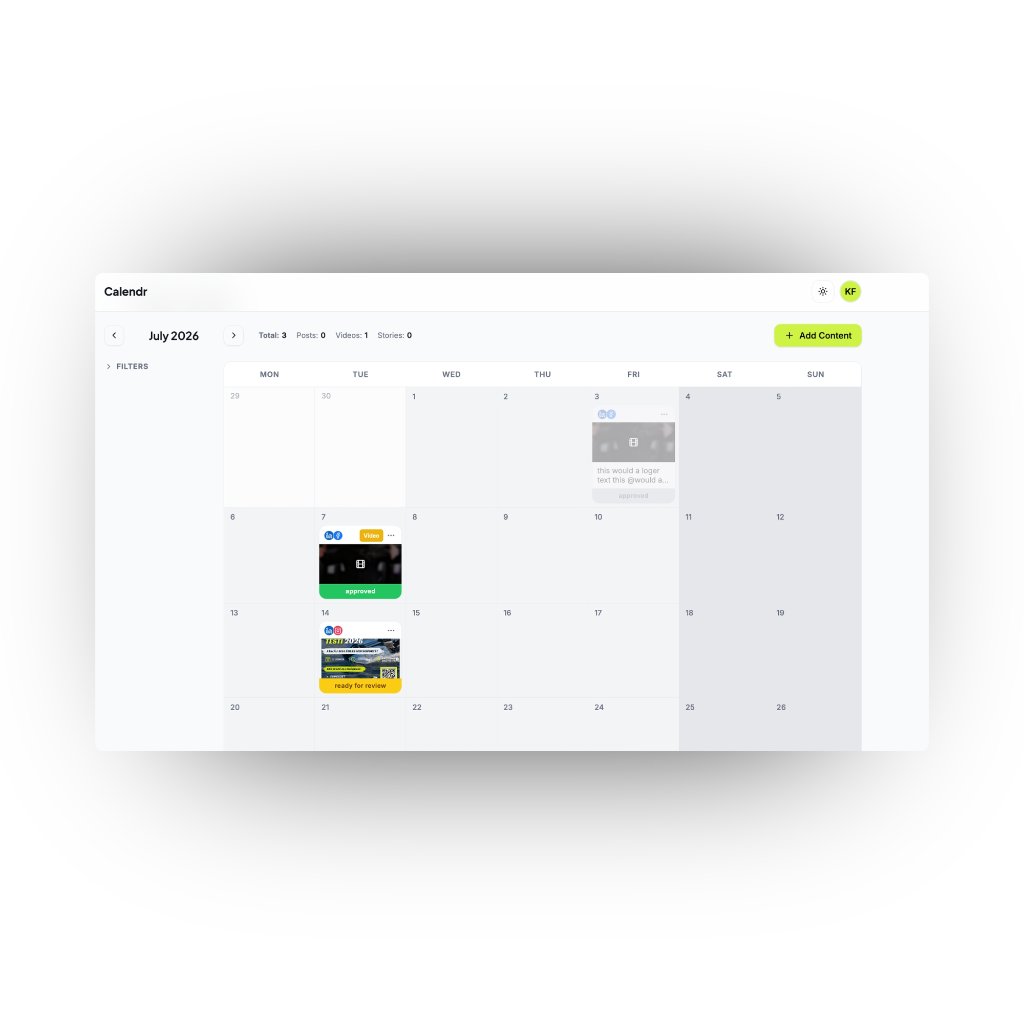
Plan everything on a visual calendar
See your entire content pipeline at a glance. Drag and drop posts to reschedule, filter by platform or label, and keep every channel on track — all from one clean calendar view.
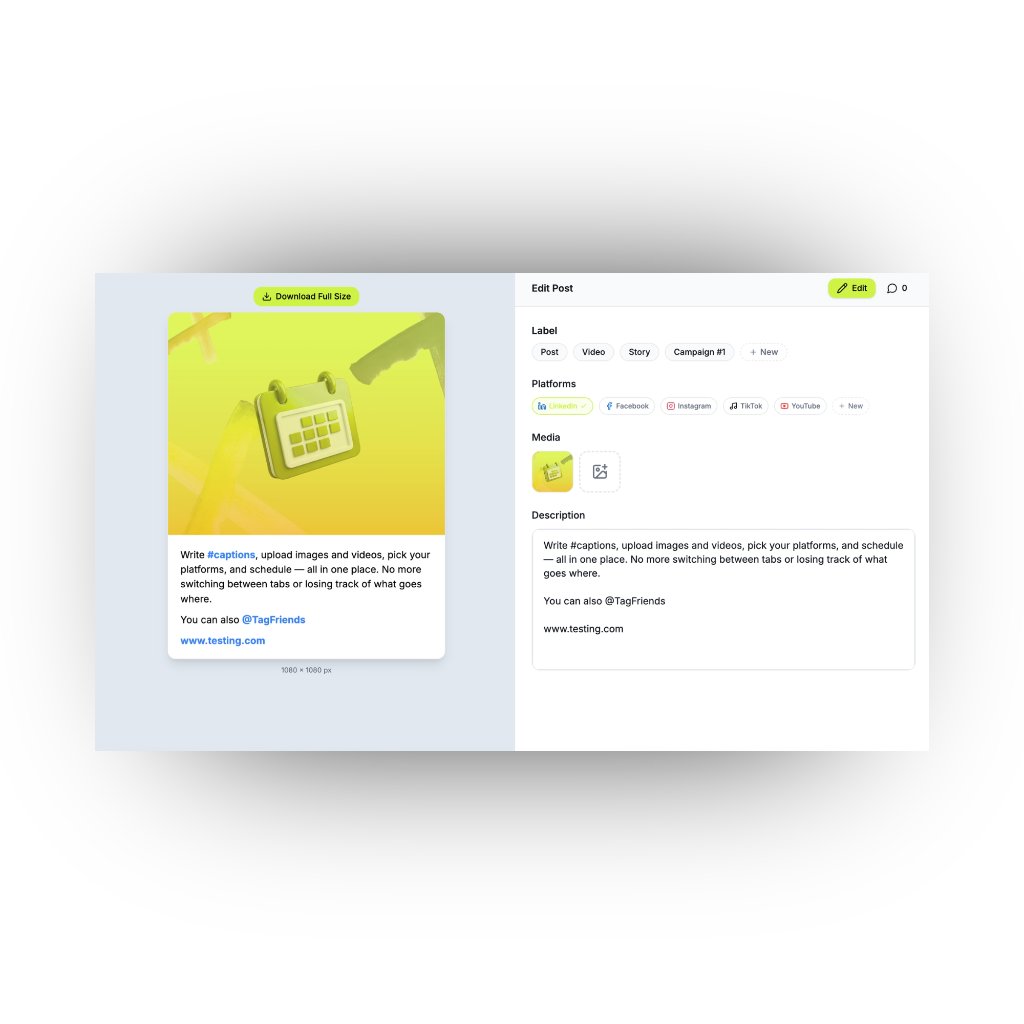
Create and schedule posts in seconds
Write captions, upload images and videos, pick your platforms, and schedule — all in one place. No more switching between tabs or losing track of what goes where.
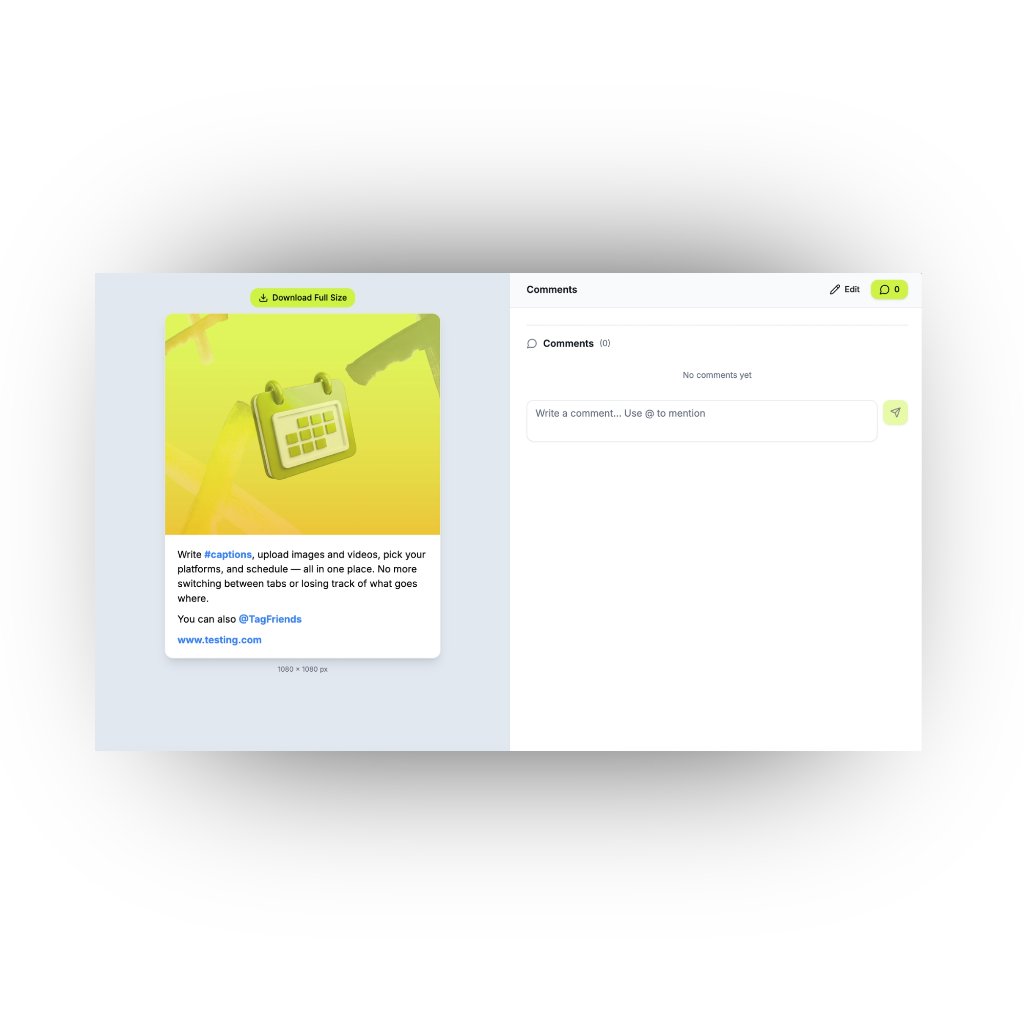
Collaborate and approve with your team
Invite team members, leave comments, and approve content before it goes live. Everyone stays in the loop with clear roles and a simple approval workflow.
Frequently Asked Questions
Everything you need to know about content planning with Calendr.
A content planning tool helps you schedule, organize, and manage your social media posts across multiple platforms from one central calendar.
It gives your team a visual overview of upcoming posts, reduces scheduling conflicts, and keeps everyone aligned on what publishes and when.
Yes. Calendr lets you create posts for Facebook, Instagram, TikTok, YouTube, and custom platforms — all from a single calendar view.
Yes, completely free. There are no paid plans, no trials, and no limits — use every feature without a credit card.
As many as you need. There's no limit on folders or brand workspaces you create.
Yes. You can invite team members, assign roles, and use comments and approvals to streamline your entire content workflow.
Definitely. You can upload images and videos directly to each post, add captions, and attach a cover image for video content.
An approval workflow lets designated team members review and approve posts before they go live, ensuring quality and brand consistency.
Yes. The drag-and-drop calendar makes rescheduling effortless — just move a post to a new date and everything updates automatically.
Your content and account data are stored securely with industry-standard encryption, and only authorized team members have access.
Easily the easiest app to work in social by far
Onboarded in minutes, not days
Calendr is ridiculously easy to use. My team was up and running in under an hour — no training, no confusion. We plan a full month of content in the time it used to take to schedule a single week.
Daniela K.
@luminalabs
Approvals that actually flow
The approval workflow is night and day compared to what we used before. Clients get a clean preview, click approve, and we're done. No more endless email threads or lost feedback.
James O.
@NorthPeakAgency
Twice the output, half the effort
Since switching to Calendr, our team's productivity has doubled. Everything lives in one place — drafts, comments, approvals, schedules — so nothing slips through the cracks. It just works.
Priya S.
@tidalwave
Clients approve faster than ever
My clients love how simple the approval process is. They see exactly what the post will look like, leave a comment if needed, and approve with one click. It's cut our review cycles from a week to a day.
Olivia M.
@mapleandco
The simplest tool our team has used
We've tried every content tool out there and Calendr is by far the easiest. The drag-and-drop calendar, one-click approvals, and clean interface mean our team spends less time managing content and more time creating it.
Thomas R.
@velocira